
Check Fiverr Gig Rank: Powerful Free Ranking Tool for Sellers
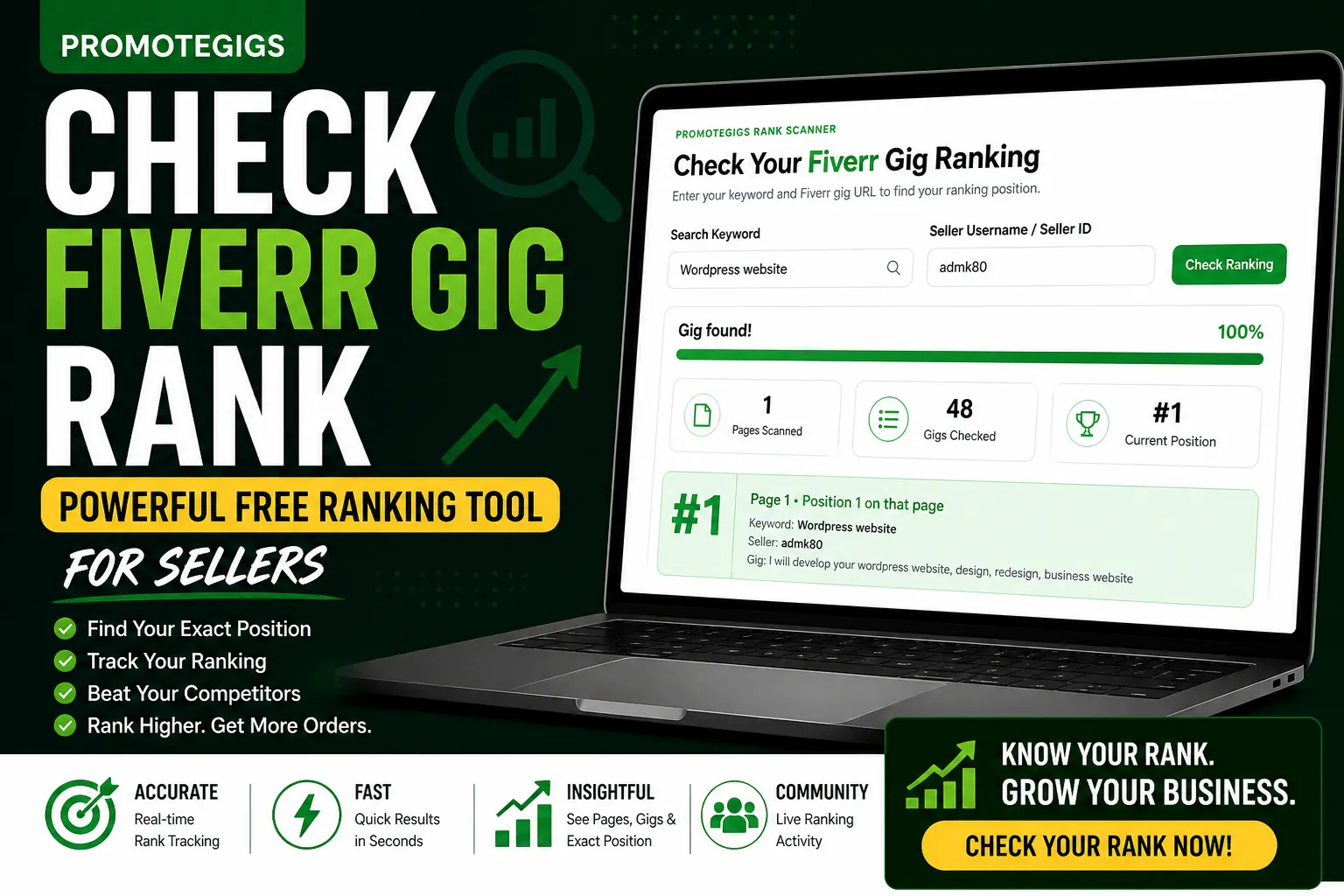
The Hard Truth About Fiverr Success
When you launch a new gig on Fiverr, one question determines your success or failure:
“Where is my gig ranking right now?”
You might have a breathtaking thumbnail, a competitive price, and five-star reviews. But if your gig is buried on page 10, it is functionally invisible. In freelancing, visibility is currency.
If you are not actively monitoring your position, you are flying blind. That is why professional sellers consistently Check Fiverr Gig Rank to stay ahead of the competition.
The Success Chain:
High Ranking creates Massive Visibility.
Visibility drives Organic Clicks.
Clicks convert into Profitable Orders.
Orders send stronger performance signals to the Fiverr Algorithm.
The Check Fiverr Gig Rank tool on PromoteGigs was built to give you the data-driven edge you need to improve visibility and work toward Page 1.
What Does “Check Fiverr Gig Rank” Actually Mean?
Checking your rank is the process of identifying your gig’s specific position within Fiverr search results for a particular search term.
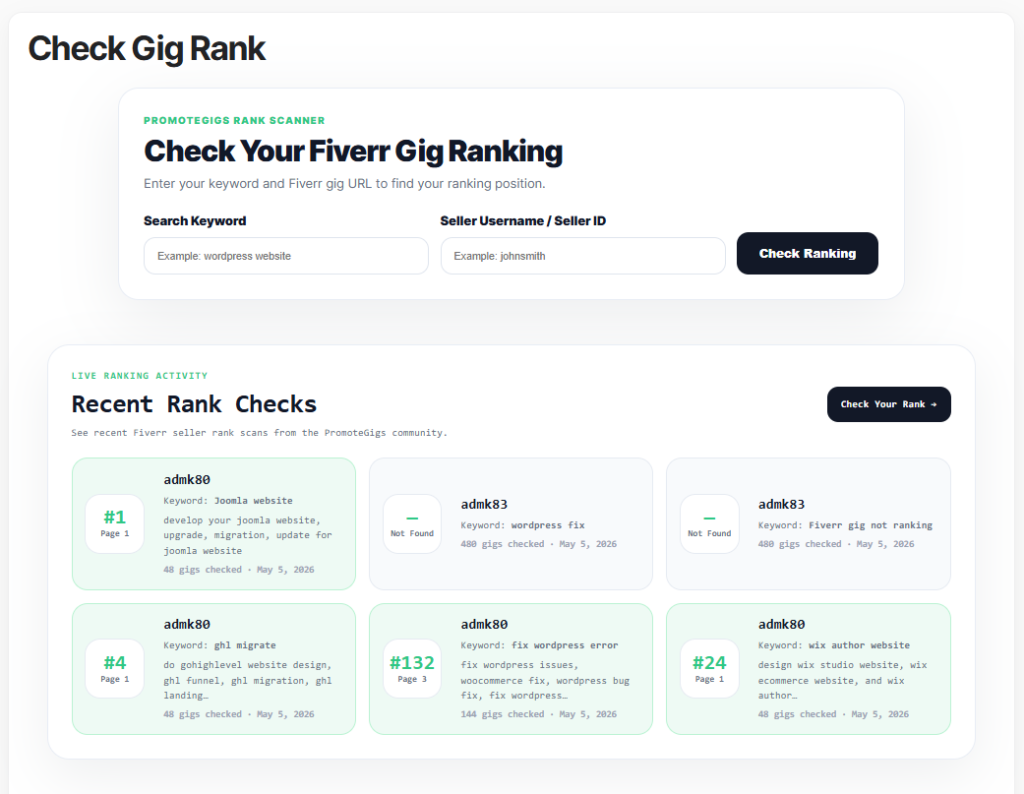
The Reality of Search Positions:
Position #1–#5: The “Gold Zone.” This usually brings the strongest visibility.
Position #6–#48 (Page 1): High visibility with strong potential for steady growth.
Page 2–Page 5: The “Buffer Zone.” You exist, but you need stronger optimization to win more clicks.
Page 10+: The “Ghost Zone.” Most buyers rarely click this deep.
Fiverr’s search engine is dynamic. Your rank can change based on your conversion rate, response time, seller performance, and keyword relevance in your title, tags, and description.
By using a tool to Check Fiverr Gig Rank, you get a real-time snapshot of your SEO health.
Why Top-Rated Sellers Never Skip Rank Checking
Data beats intuition every time. Pro sellers use ranking data to diagnose their business performance:
A/B Testing Validation: Did changing your tags move you from Page 3 to Page 1?
Algorithm Pulse: Is your gig temporarily losing visibility for an important keyword? The tool can help identify whether your gig is ranking for that keyword.
Competitor Analysis: Identify which keywords your competitors are ranking for and adjust your strategy.
Trend Tracking: Stay ahead of seasonal shifts in buyer behavior.
How to Use the PromoteGigs Rank Checker (Step-by-Step)
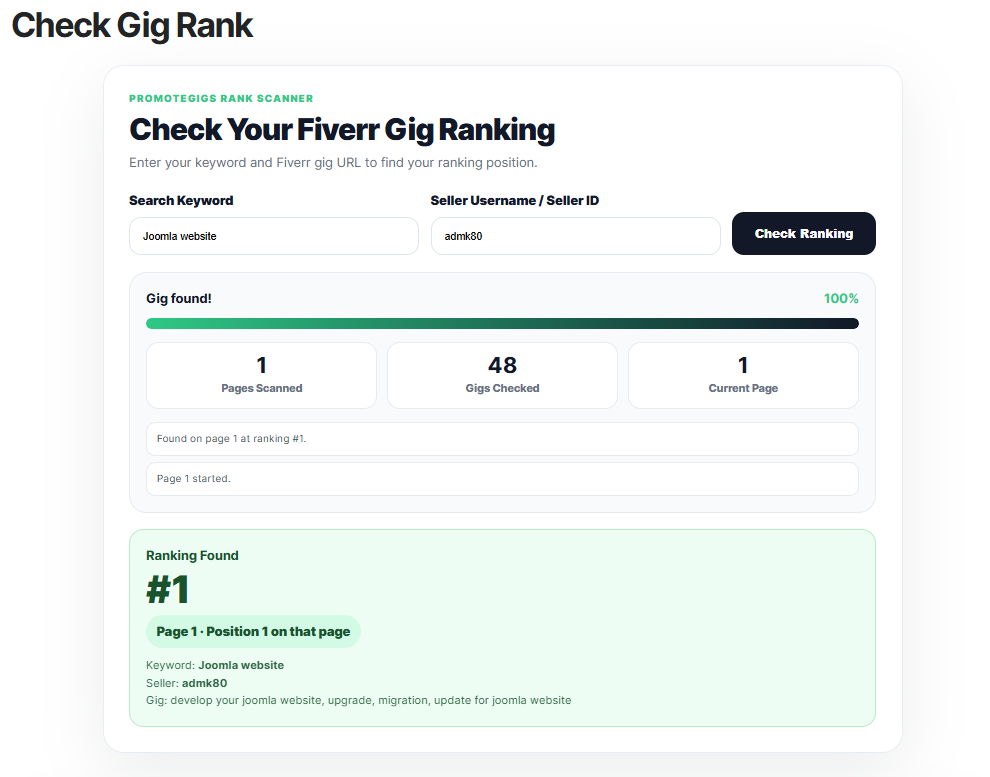
Our tool is engineered for speed and precision. Here is how to get the most out of it:
Step 1: Target High-Intent Keywords
Do not just search for “Logo.” Search for what buyers actually type, like:
“Minimalist business logo design.”
Tip: Use the keywords found in your Fiverr search tags section.
Step 2: Input Your Unique Identifier
Enter your Fiverr username exactly as it appears on your profile.
Example:
creative_pro_24
Step 3: Execute the Scan
Click Check Ranking.
Our system performs a live-style buyer search, scanning through listings across multiple pages to find your seller username or seller ID.
Step 4: Analyze the Metadata
The tool does not just give you a number. It provides context:
Pages Scanned: Tells you how deep the system had to look.
Gigs Checked: Shows the size of the competition pool you are currently competing with.
Exact Position: Your numeric rank, such as #14.
Troubleshooting: Why Is My Gig Not Found?
If you Check Fiverr Gig Rank and the result is “Not Found,” do not panic. It usually indicates one of three things:
Keyword Mismatch: You are not optimized for that specific phrase.
The “Newbie” Delay: New gigs can take time to appear fully in Fiverr search results.
Low Seller Health: If your completion rate drops, response time slows, or late deliveries increase, Fiverr may reduce your visibility.
5 Pro Tips to Skyrocket Your Fiverr Rank
If your current rank is not where you want it to be, take these immediate actions:
1. Optimize the First 3 Words
Fiverr often reads the early part of your title as an important relevance signal.
Make the first words clear and keyword-focused.
2. Use Promoted Gigs Strategically
If you have the option, use paid promotion to increase visibility and accelerate data collection.
This can help you test thumbnails, pricing, and conversion strength faster.
3. Boost Your CTR
A high click-through rate tells Fiverr your gig looks relevant to buyers.
Use a high-contrast thumbnail, clear title, and strong offer promise.
4. Stay Online
Use the Fiverr mobile app to keep your response speed strong and availability visible.
Buyers often use the “Online Sellers” filter, which can significantly reduce competition in filtered searches.
5. Use PromoteGigs
External traffic can support visibility. Promoting your gig link outside of Fiverr can help bring more eyes to your offer and create extra buyer activity.
Frequently Asked Questions
Q. Is the Check Fiverr Gig Rank tool 100% free?
Absolutely. We believe every seller should have access to the data they need to succeed.
Q. How often does the ranking update?
Fiverr updates its search results regularly. We recommend checking your rank at least twice a week or after making SEO changes.
Q. Can I check my competitor’s rank?
Yes. Simply enter their username and the keyword you want to investigate to understand how they appear in search.
Final Thoughts: Master the Algorithm
Success on Fiverr is not a lottery. It is a system.
The sellers who grow are the ones who pay attention to the details.
Stop wondering why you are not getting orders.
Check Fiverr Gig Rank today, get the data, and start optimizing your way to stronger search visibility.

bakar07
Author at this marketplace blog.
Related posts
Fiverr Gig Photo Size Guide + Free Image Tool
I spent years testing different ways to grow my freelance income. During this time, I learned that small…
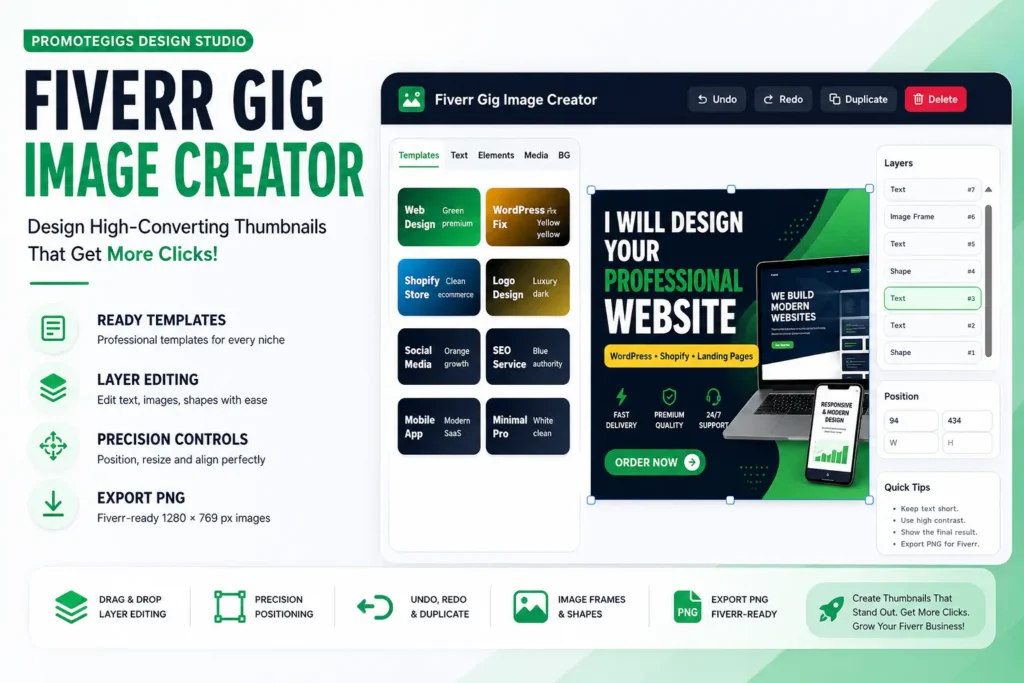
Fiverr Gig Image Creator: Design High-Converting Thumbnails
When I first started selling on Fiverr, I thought buyers only cared about skills and pricing. I focused…
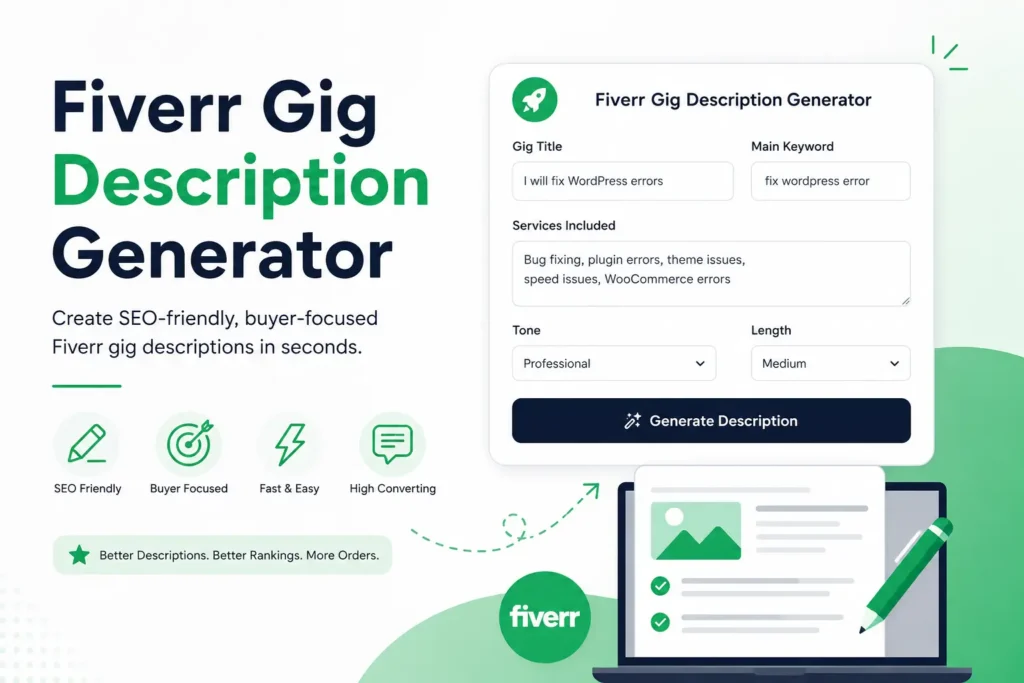
Fiverr Gig Description Generator: Write Better Gigs
When I first started selling on Fiverr, I thought my gig description was just text. I wrote a…