
Fiverr Gig Description Generator: Write Better Gigs
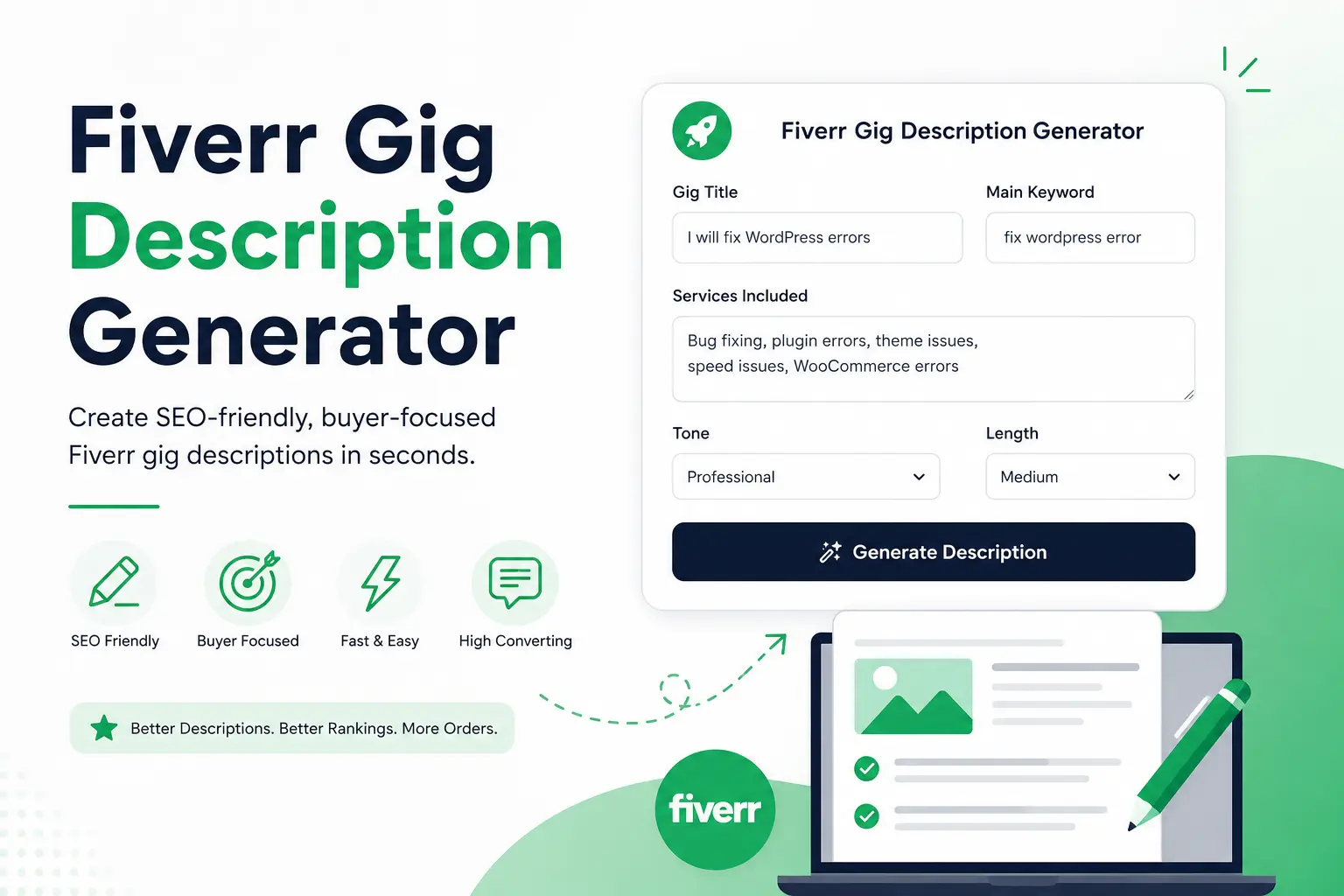
Table of Contents
When I first started selling on Fiverr, I thought my gig description was just text.
I wrote a few lines.
I listed my services.
I added some keywords.
Then I published my gig.
That was my mistake.
I quickly learned that a Fiverr gig description does much more than explain my service. It helps Fiverr understand what I offer, helps buyers trust my work, and helps turn clicks into real orders.
A weak description can lower visibility.
A generic description can confuse buyers.
A poorly structured description can hurt conversions.
That is exactly why I built Fiverr Gig Description Generator on PromoteGigs.
This tool helps sellers create stronger, clearer, and more SEO-friendly Fiverr descriptions in minutes.
It helps generate:
✅ keyword-focused descriptions
✅ buyer-friendly copy
✅ professional wording
✅ stronger service clarity
✅ better conversion messaging
✅ structured gig content
✅ optimized description length
If I want better ranking and better buyer trust, I start with better copy.
That is where Fiverr Gig Description Generator helps.
Why Fiverr Gig Descriptions Matter
Many sellers focus only on thumbnails, pricing, and reviews.
Those matter.
But description matters too.
A strong description helps me:
- explain what I do
- show expertise
- clarify services
- answer buyer concerns
- improve keyword relevance
- build trust
- increase conversion
Good descriptions help buyers feel confident.
Confident buyers place orders.
That is why Fiverr Gig Description Generator is useful.
What Is Fiverr Gig Description Generator?
Fiverr Gig Description Generator is a smart writing tool built for Fiverr sellers.
It helps create optimized gig descriptions based on a few simple inputs.
Instead of guessing what to write, I can build a description with structure.
The tool combines:
SEO + clarity + conversion writing.
That matters because Fiverr descriptions should do two things:
help ranking
help selling
This tool helps with both.
How Fiverr Gig Description Generator Works
The process is simple.
Fast.
Practical.
Designed for sellers.
Step 1 — Enter Gig Title
First, I enter my gig title.
Example:
I will fix WordPress errors
The title helps define service direction.
It gives the tool context.
The stronger the title, the better the output.
Step 2 — Add Main Keyword
Next, I enter my main keyword.
Example:
fix wordpress error
This keyword helps SEO.
It helps Fiverr understand service relevance.
It also helps the tool generate keyword-focused copy naturally.
This improves optimization.
Step 3 — Add Services Included
Now I describe what is included.
Example:
- bug fixing
- plugin errors
- theme issues
- speed fixes
- WooCommerce errors
Specific service details create better output.
That creates stronger buyer clarity.
Step 4 — Choose the Right Tone
This tool includes tone selection.
That is powerful.
Options include:
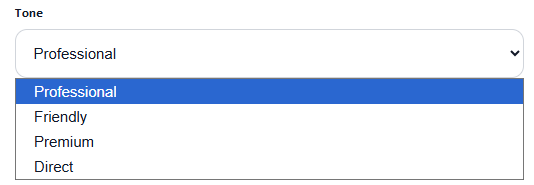
Professional
Best for:
- business services
- development
- SEO
- consulting
Friendly
Best for:
- creative work
- social media
- casual niches
Premium
Best for:
- high-ticket services
- luxury branding
- expert positioning
Direct
Best for:
- quick services
- technical fixes
- urgent gigs
Tone changes buyer perception.
That improves conversion.
Step 5 — Choose Description Length
The tool also lets me choose length.
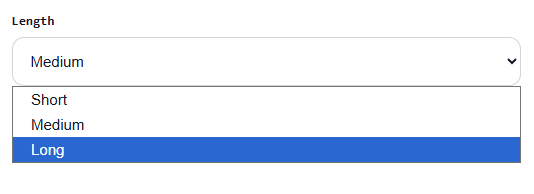
Short
Quick and simple.
Best for clear services.
Medium
Balanced.
Best for most gigs.
Long
Detailed.
Best for premium or complex offers.
Length helps match buyer intent.
That improves communication.
Step 6 — Generate Description
Then I click:
Generate Description
The tool creates optimized copy.
This includes:
hook
service explanation
benefits
trust building
clear offer positioning
strong call to action
That creates a complete Fiverr-ready description.
What Makes a High-Converting Fiverr Description
Strong descriptions include:
Hook
Grab attention fast.
Service clarity
Explain what I do.
Benefits
Show why buyers should choose me.
Trust
Show professionalism.
CTA
Guide buyer action.
FAQ support
Reduce objections.
Fiverr Gig Description Generator helps structure all of this.
Common Description Mistakes
Many sellers write weak copy.
Mistakes include:
- too generic
- unclear offer
- no keyword focus
- weak formatting
- poor CTA
- too much filler text
These reduce conversion.
The tool helps avoid that.
Pair This Tool With Other PromoteGigs Tools
For stronger Fiverr growth, I combine this with:
Check Fiverr Gig Rank → monitor ranking
Fiverr Gig Builder → build better gig structure
Fiverr Algorithm Explained → understand ranking signals
Best Fiverr Tags for Ranking → improve keyword targeting
Together, these create a stronger strategy.
Frequently Asked Questions
Q. Is Fiverr Gig Description Generator free?
Yes. It is built to help sellers create stronger gig descriptions easily.
Q. Does Fiverr Gig Description Generator help SEO?
Yes. It helps create keyword-relevant descriptions with stronger structure.
Q. Which tone should I choose?
Choose based on your niche, audience, and service style.
Q. Should I use short or long descriptions?
Most sellers do well with Medium unless the service needs detailed explanation.
Final Thoughts
A strong Fiverr description does more than explain a service — it helps buyers trust me, understand my offer, and feel confident enough to place an order. When my description is clear, keyword-focused, and written in the right tone, my gig becomes stronger from both an SEO and conversion point of view. That is why I use Fiverr Gig Description Generator on PromoteGigs — because better descriptions help create better gigs, and better gigs help build better business.

bakar07
Author at this marketplace blog.
Related posts
Fiverr Gig Photo Size Guide + Free Image Tool
I spent years testing different ways to grow my freelance income. During this time, I learned that small…
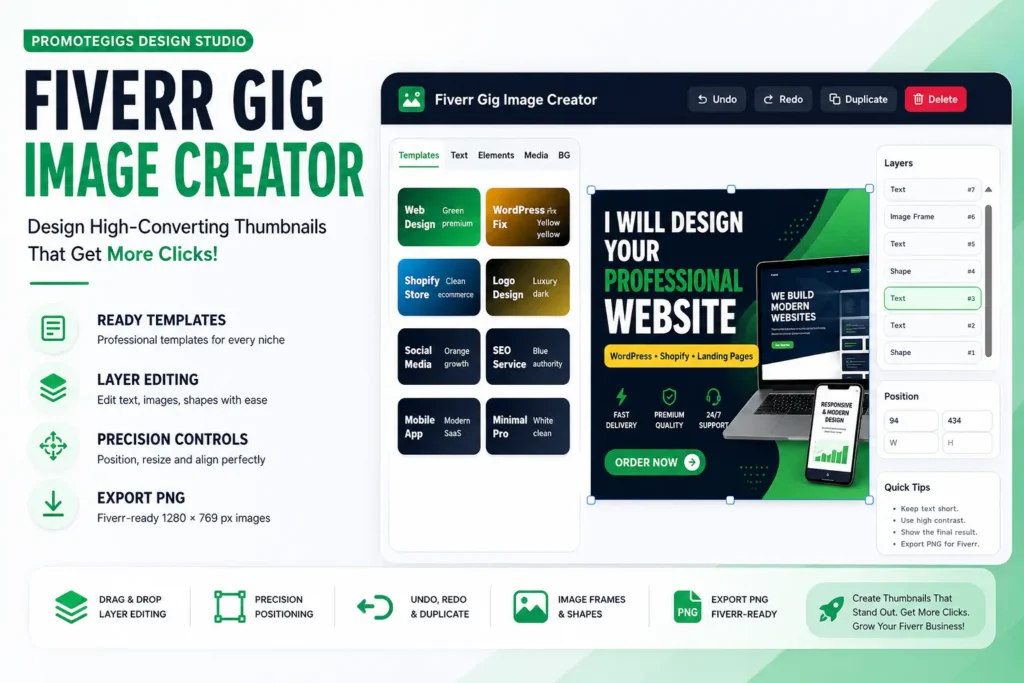
Fiverr Gig Image Creator: Design High-Converting Thumbnails
When I first started selling on Fiverr, I thought buyers only cared about skills and pricing. I focused…
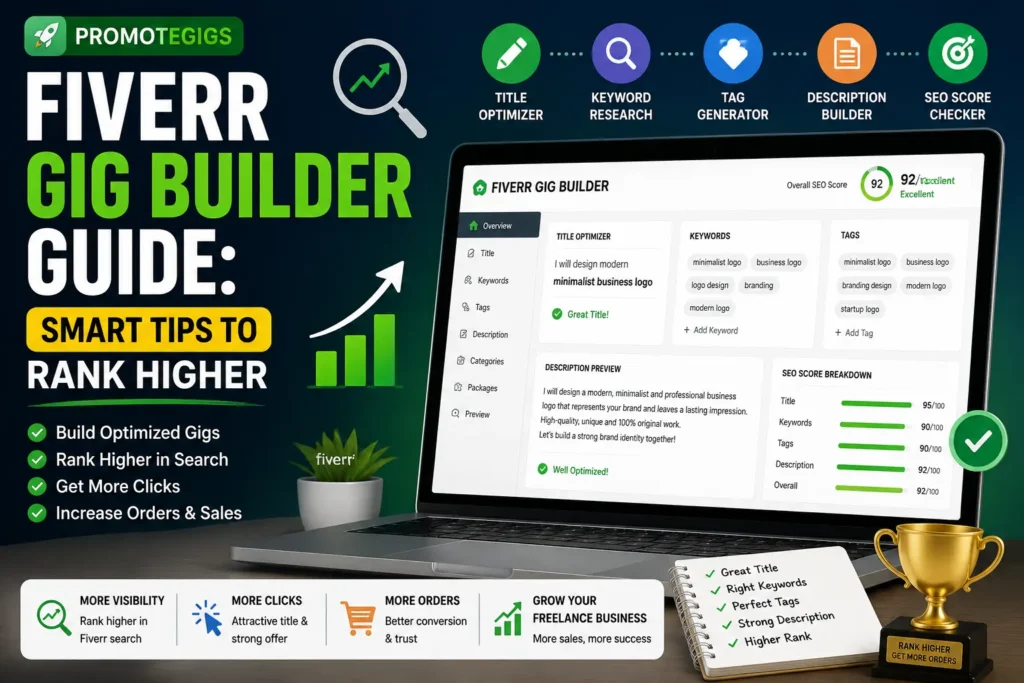
Fiverr Gig Builder Guide: Smart Tips to Rank Higher
When I first started selling on Fiverr, I thought creating a gig was simple. Write a title. Add…